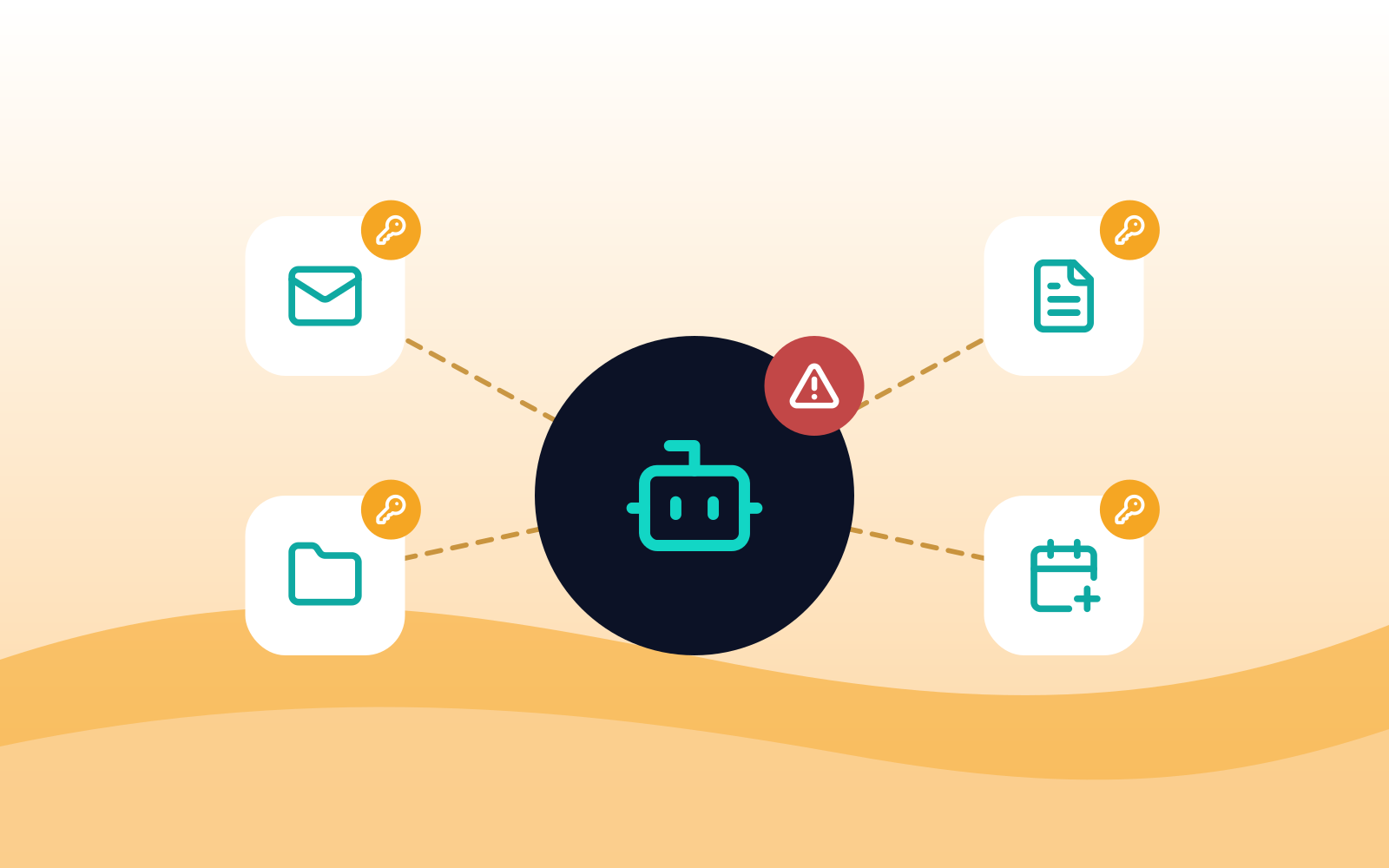
AI agents with access to email and files: the new over-permissioned account
Table of Contents
AI agents that can read email, open files, and act across apps are the newest over-permissioned accounts in a small business. They get access through desktop agent apps, connectors, app consents, AI browsers, and browser extensions, often granted by one end user in a few clicks, and they can be steered by instructions hidden in the content they read. MSPs should treat every agent like an account, which means approving it on purpose, granting the least access that works, blocking the unapproved ones, and reviewing the grants regularly.
How do AI agents get access to a client's data?
Rarely through a decision anyone at the client made deliberately. Access arrives in five main ways:
- Desktop agent apps. AI desktop apps increasingly run agents that work with local files, browse on the end user’s behalf, and connect to other services. Some can run tasks for long stretches with little supervision.
- Connectors. AI tools link to email, calendars, file storage, CRMs, and ticketing systems through built-in connectors. Each one is a standing door into that system.
- App consents. An end user clicks "Allow" on a prompt that grants an AI app permission to read mail or files in Microsoft 365 or Google Workspace. The grant stays in place until someone removes it.
- AI browsers and extensions. An AI browser or an AI sidebar extension can read the pages the end user opens, including signed-in business apps.
- AI note-takers. Meeting assistants with calendar access join calls, record them, and store transcripts outside the client's systems.
Each of these is effectively a new account with real permissions. Unlike a new employee, nobody interviewed it, nobody set its access level, and nobody will remember to remove it.
Why is that access risky?
An over-permissioned agent combines the worst traits of a shared admin account and a gullible new hire.
It can be steered by what it reads. Agents treat text as instructions. A hidden line in an email, a shared document, or a web page can tell the agent to collect files and send them somewhere. Security researchers have shown this repeatedly against agent tools from major vendors. In May 2026, for example, researchers showed how a prompt injection could get Microsoft's Copilot Cowork agent to leak pre-authenticated download links to an end user's OneDrive and SharePoint files, which let the attacker download them.
Its access is broad by default. Connectors and consents are often broad, such as "read all mail" or "read all files," rather than limited to one folder or one task.
It often runs on a personal account. An end user who connects a personal AI subscription to a work mailbox puts company data under consumer terms the client never agreed to.
It leaves a thin trail. Agent actions can look like the end user's own activity in logs, which makes it hard to tell later what the agent did and what the person did.
It outlives the reason it was added. Grants made for a one-off task stay in place after the task, and after the end user who made them leaves.
None of this means AI agents are off limits. It means they need the same discipline as any account with access to client data.
How should MSPs treat AI agents?
Like accounts. The same principles MSPs already apply to service accounts and admin roles carry over directly.
- Approve on purpose. Each agent, connector, and AI app with access to client data should be a decision the client made, recorded in the AI policy with an owner and a review date.
- Grant the least access that works. Connect an agent to one mailbox, one folder, or one system, not everything the end user can reach. Prefer read-only where it does the job.
- Use company accounts only. Agents connect through the client’s business plan and company identity, never a personal subscription.
- Keep agents away from the crown jewels. Admin portals, banking, payroll, and the client’s most sensitive files are off-limits to agents unless there’s a specific approved reason.
- Require a person for actions that matter. Sending email outside the company, sharing files, and making payments should need a human to confirm.
- Review and remove. Check app consents and connectors every quarter and remove anything unused or tied to an end user who has left.
For how this fits into a client’s broader AI rules, see how to make a client's AI policy enforceable.
What should MSPs do this quarter?
A short checklist that fits a typical 10- to 50-seat client:
- Inventory app consents. In Microsoft Entra or Google Workspace, list the third-party apps end users have granted access to mail, files, and calendars. Flag the AI apps and anything with broad permissions.
- Restrict user consent. Stop end users from granting new apps broad access on their own and route requests through an admin consent workflow.
- Block unapproved desktop AI apps. Allow the agent apps the client has approved and stop the rest from launching on managed devices.
- Block AI browsers. Unapproved AI browsers run agents inside signed-in sessions, outside the controls set in Chrome and Edge.
- Control browser extensions. Use an allowlist so AI sidebar extensions with access to every page can't install without review.
- Limit what reaches unapproved AI. Block pastes and uploads to AI tools the client hasn't approved.
- Write it down. Add agents, connectors, and note-takers to the client’s AI policy, with the approved list and the review date.
The first two steps can turn up surprises. Removing old grants to forgotten tools is an easy win to show the client.
How does Atakama help?
Atakama’s AI hardening rule stops AI desktop apps, namely ChatGPT, Claude, Microsoft Copilot, Perplexity, Manus, Genspark, and OpenClaw, from launching on managed devices, and it can be scoped to specific users or groups so approved teams keep the tools they need. Atakama’s disable browsers rule does the same for AI browsers such as Comet, and extension management lets MSPs generate a complete inventory of browser extensions then enforce allow and block lists.
In the browser, Atakama’s URL filtering and AI content category control which AI web apps end users can reach, and its paste and upload blocking rules stop data from getting to apps the client hasn't approved. All of this is accomplished with an AI controls guided setup that walks admins and techs through each AI rule in logical order. For MSPs, that means one AI baseline set as a global policy and adjusted per tenant, instead of a separate project for every tenant.
FAQ
What is an AI agent in a business context?
An AI tool that takes actions rather than just answering questions, such as reading email, opening files, browsing websites, or sending messages on an end user's behalf. Agents run in desktop apps, AI browsers, extensions, and cloud services connected to business systems.
Why are AI agents a security risk?
They often hold broad access to email and files, and they can be steered by instructions hidden in the content they read, a technique called prompt injection. That combination lets an attacker turn a helpful agent into a way to collect and send out data.
How do I find which AI apps have access to a client's Microsoft 365?
Review the enterprise applications and user consents in Microsoft Entra, and look for AI apps with permissions to read mail, files, or calendars. Remove anything unused or unapproved, and restrict user consent going forward.
Should MSPs block AI desktop apps?
Block the ones the client hasn't approved, and allow the approved ones for the teams that need them. A blanket ban pushes end users toward personal devices.
What permissions should an AI agent have?
The least that does the job, such as one mailbox or one folder, preferably read-only, through a company account, with a person confirming any action that sends data outside the company.
Are AI note-takers a risk?
They can be. Note-takers with calendar access can join meetings automatically and store recordings outside the client's systems. Approve one tool, connect it through a company account, and set clear rules for client calls.
Keep reading
For related controls, see what AI browsers and browser agents mean for client data, how to make a client's AI policy enforceable, how ClickFix and fake AI installers work, and our page on shadow AI governance for MSPs.
Sources
- Simon Willison, Microsoft Copilot Cowork exfiltrates files, May 2026
Related Articles



Stay ahead of browser threats
Get monthly security insights, product updates, and expert guides delivered to your inbox.
No spam. Unsubscribe anytime.