ClickFix and fake AI installers: how the copy-paste attack works and how to stop it
Table of Contents
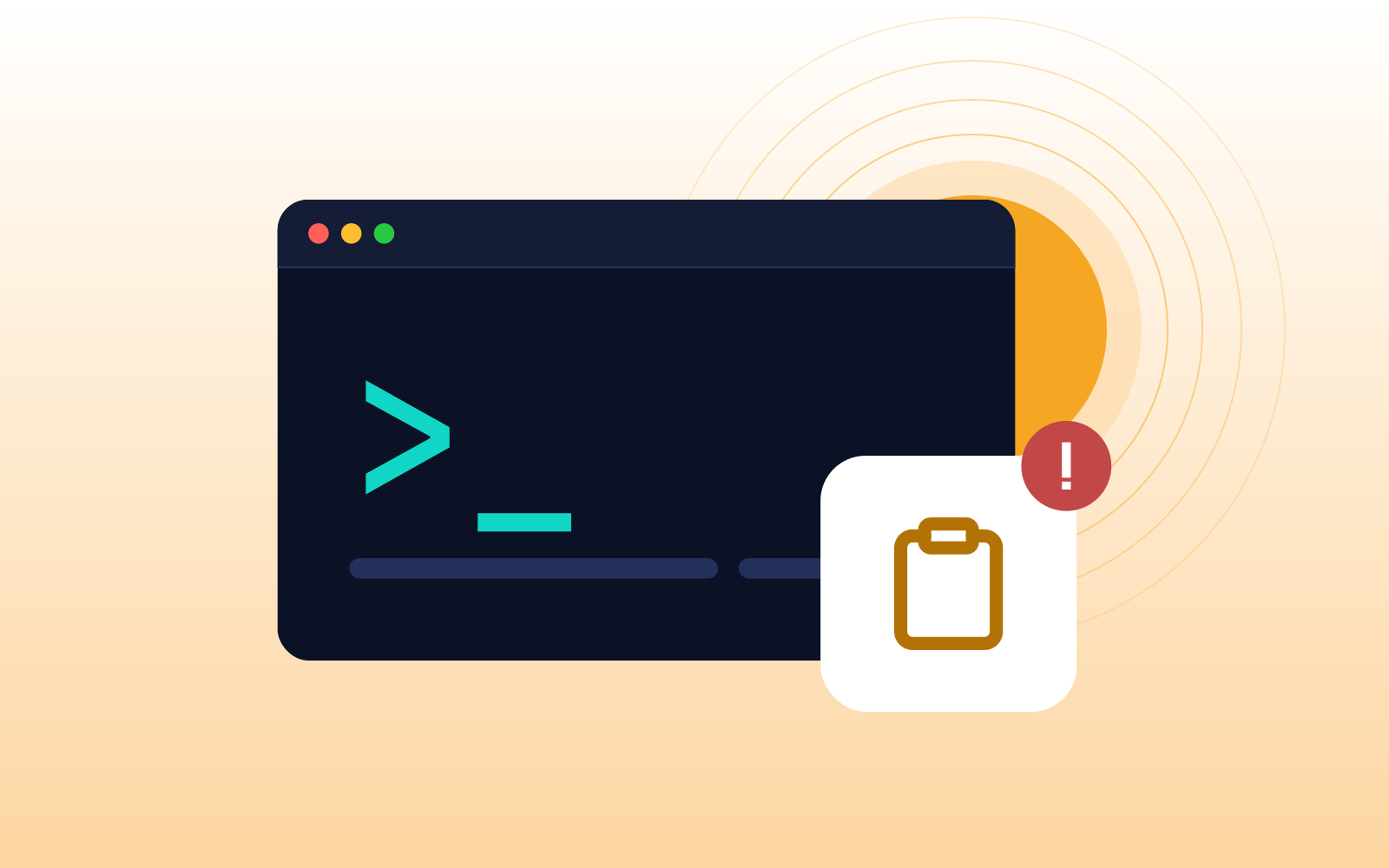
ClickFix is a social engineering attack that tricks people into running malware themselves. A fake error message, CAPTCHA, or AI installer page copies a malicious command to the clipboard and tells the visitor to paste it into the Windows Run dialog, PowerShell, or the Mac Terminal. The best defense is simple: no legitimate website ever asks you to run a command.
What is ClickFix?
ClickFix is a social engineering technique that gets the victim to do the attacker's hardest job: running the malware. Instead of slipping a malicious file past email filters and endpoint tools, the attacker shows a convincing message and asks the person to fix something by pasting a command into their own computer.
The name comes from the fake "fix" button that usually starts it. Early versions posed as browser update errors or documents that wouldn't display. The most familiar version today is a fake CAPTCHA that asks you to "verify you're human" with a few keystrokes. A newer variant, CrashFix, uses a malicious browser extension that crashes the browser on purpose and then offers commands to "repair" it, as the Swiss National Cyber Security Centre described in its February 2026 warning.
What makes ClickFix effective is that every step looks like the person's own choice. They opened the page, they pressed the keys, they hit Enter. Because the command runs with the user's own permissions, many security tools see normal activity rather than an attack.
How does a ClickFix attack work?
Most ClickFix attacks follow the same six steps, whatever the decoy:
- The lure. The victim lands on a malicious page from a search ad, a poisoned search result, a compromised legitimate website, or a link in an email.
- The fake problem. The page shows something that needs fixing: a CAPTCHA, a browser error, a document that won't load, or install instructions for a tool the person was looking for.
- The silent copy. When the page loads or the person clicks the button, a malicious command is copied to their clipboard. Nothing visible happens.
- The instructions. On Windows, the page usually says to press the Windows key and R, then Ctrl and V, then Enter. On a Mac, it's usually open Terminal and paste. Since Apple began scanning commands pasted into Terminal in macOS 26.4, some campaigns have switched to opening Script Editor instead. It's framed as a routine verification or setup step.
- The download. The pasted command reaches out to the attacker's server and pulls down the real malware, running it with the person's own permissions.
- The payoff. The usual payload is an infostealer that collects saved browser passwords, session cookies, and crypto wallets. In a business, that can be the first step toward a much larger breach.
Step 6 is why this matters for MSPs. A stolen session cookie can let an attacker reuse a signed-in session to email, file storage, or a SaaS app without ever knowing the password.
Why are AI tools such a convincing lure?
Because AI tools taught people the exact habit ClickFix depends on. A lot of popular AI tools, especially coding assistants and command-line agents, install with a single line pasted into a terminal. Anthropic's Claude Code, for example, officially installs this way. A year ago, being asked to paste a command was a red flag. Now it looks like the official setup instructions.
Three other habits make it worse:
- People search for AI tools by name and click the first result. That's often a sponsored ad, and attackers buy those too.
- AI brands are trusted. A page that looks like ChatGPT, Claude, Copilot, or Gemini gets the benefit of the doubt.
- Lures now live on trusted sites. Attackers host instructions in shared AI conversations and on legitimate hosting services, where a domain reputation check sees nothing wrong.
Fake AI tools are showing up at scale. In a contributed article, sandbox provider ANY.RUN linked 1,258 public analyses to fake AI tool campaigns between April and October 2026. In one Claude-themed case, a fake download page copied a command to the clipboard and told the visitor to run it in PowerShell. It's the same ClickFix playbook with a newer costume.
The people most at risk aren't only developers. Anyone who has been told "just install the AI tool and try it" is now a target.
What warning signs should end users look for?
If end users remember one rule, make it this: a website will never ask you to open a command window and paste something into it. Real CAPTCHAs ask you to click pictures or tick a box. Real browser updates happen in the browser's own settings.
The specific red flags:
- A "verification" step that involves keyboard shortcuts. Windows key and R, Ctrl and V, then Enter is never a human check.
- Instructions to open PowerShell, Command Prompt, or Terminal to fix a page, a document, or a browser error.
- A browser that crashes and then offers a fix to run. That's the CrashFix pattern, and it usually means a malicious extension is installed.
- AI tool install instructions found anywhere other than the vendor's own site. Ads, shared chats, forum posts, and lookalike domains are all common hosts.
- Urgency. "Your access will be blocked" or "verify within 60 seconds" is pressure, not security.
When in doubt, users should be instructed to close the tab and report the issue. A real problem will still be there in five minutes. A ClickFix page is counting on the user to not wait.
How can MSPs reduce the risk?
No single control stops ClickFix because the attack includes the browser, the end user, and the operating system. But layers most certainly can help halt the attack. Here's where each one fits:
- Train with the real thing. Show end users what a fake CAPTCHA with keyboard instructions looks like. A screenshot in a five-minute briefing beats an hour of generic phishing slides.
- Take the command line away from people who don't need it. Most if not all end users never use the Run dialog or PowerShell. Group Policy can remove the Run command, which also disables the Windows key and R shortcut, though it doesn't block every other way to start a program. Application control can block tools ordinary end users never need, such as mshta. The Swiss NCSC specifically recommends checking whether PowerShell script execution can be restricted for standard users.
- Remove local admin rights. Infostealers can run as a standard user, so this won't stop the first payload. It does limit what the attacker can do next on that machine.
- Tune endpoint detection for the pattern. PowerShell launched from the Run dialog with an encoded command or a download is rarely legitimate. Make sure that pattern alerts.
- Filter the web before the page loads. Block known-malicious and newly registered domains, and treat sponsored search results with suspicion.
- Control browser extensions. An allowlist of approved extensions blocks the CrashFix variant and many other extension-based attacks. Approve extensions one by one, though: the CrashFix extension that researchers at Huntress analyzed was listed in the official Chrome Web Store, so consider limiting the approved extensions list to necessary work extensions only.
- Give people a safe way to get AI tools. If the approved AI tools are already installed, or IT installs them on request, nobody needs to search for an installer.
- Make stolen sessions less useful. Require managed, compliant devices so sign-in tokens aren't issued to unmanaged machines. Where it's supported, turn on token protection, which binds tokens to the device they were issued to. Browser support is still limited, so treat this as risk reduction rather than a fix.
The first two layers do most of the work for most small businesses. The rest matter most for clients with sensitive data or a history of incidents.
What should you do if someone already ran the command?
Treat it as a confirmed infection and assume everything the browser knew has been exfiltrated. Speed matters more than certainty here.
- Isolate the device. Take it off the network using your RMM so the attacker loses access.
- Block sign-in, reset passwords, then revoke sessions. Disable the account or block sign-in first, because the infostealer probably took saved passwords too. Reset passwords from a clean device, starting with email and admin accounts. Then sign the user out everywhere in Microsoft 365, Google Workspace, and key SaaS apps, and revoke third-party app access. Stolen session cookies can keep working after a password change, and some apps keep their own sessions that need revoking separately.
- Check for the next move. Look for new mailbox forwarding rules, newly consented apps, changed MFA methods, and unfamiliar sign-ins over the following days.
- Look for persistence. Scheduled tasks, new startup items, and unknown browser extensions are common footholds.
- Rebuild the device if malware is confirmed, rather than trying to clean it.
- Thank the person who reported it. The fastest detection is a user who isn't afraid to say "I think I just did something wrong." Make sure they'll say it again and that everyone else knows that this behavior is rewarded.
FAQ
What is a ClickFix attack?
A social engineering attack where a fake web page convinces someone to copy and run a malicious command on their own computer, usually by pasting it into the Windows Run dialog, PowerShell, or the Mac Terminal. The command downloads malware, most often an infostealer.
Is ClickFix only a Windows problem?
No. The Windows version uses the Run dialog and PowerShell. The Mac version tells people to paste the command into Terminal or, in newer campaigns, opens Script Editor instead. The lure and the outcome are the same.
Can antivirus stop ClickFix?
Not reliably on its own. The end user runs the command themselves, with their own permissions, so the first step can look like normal activity. Endpoint detection may still catch the payload, which is why it works best alongside training and command-line restrictions.
What is CrashFix?
A ClickFix variant that starts with a malicious browser extension, often disguised as an ad blocker. The extension crashes the browser, then shows a message telling the person to run commands to "repair" it.
Are AI tool install commands safe to run?
Only when they come from the vendor's own official site or documentation, and ideally when IT runs them. Install commands found in ads, shared AI chats, forums, or lookalike sites are a common ClickFix lure.
What should I do if I see a ClickFix page?
Close the tab without following the instructions and report the issue to IT. The MSP can block the domain for every client, which protects people who haven't seen it yet.
Keep reading
For more on how attacks start in the browser, see why MFA alone doesn't stop session hijacking, and our pages on phishing protection and browser extension management.
Sources
- Swiss National Cyber Security Centre, Week 8: "ClickFix" – When a supposed fix or verification installs malware, February 24, 2026
- ANY.RUN, contributed article on The Hacker News, fake AI tool campaigns across US companies, October 15, 2026
- Huntress, CrashFix malicious browser extension analysis, January 16, 2026
- Help Net Security, Jamf research on Mac ClickFix using Script Editor, April 10, 2026
- Anthropic, Claude Code setup
- Microsoft Learn, Revoke user access in Microsoft Entra ID and refresh token revocation
Related Articles

Stay ahead of browser threats
Get monthly security insights, product updates, and expert guides delivered to your inbox.
No spam. Unsubscribe anytime.